
Reference
Reference
Idea management
Idea management
Categories assign ideas to a topic. Citizens choose the category when they submit an idea and use it to filter the ideas overview. Each category can have a default case officer who automatically gets new ideas.
Categories
Categories assign ideas to a topic. Citizens choose the category when they submit an idea and use it to filter the ideas overview. Each category can have a default case officer who automatically gets new ideas.
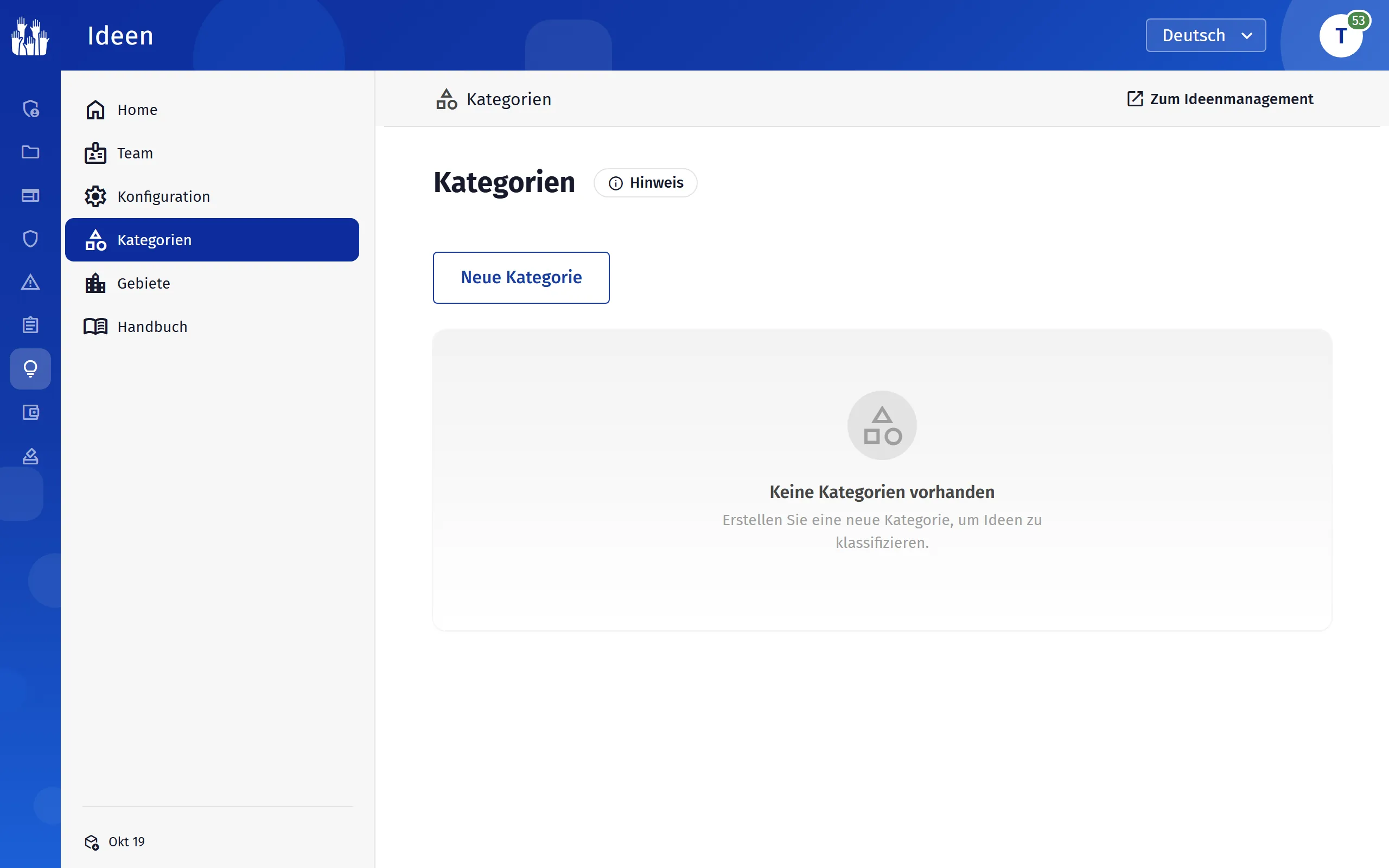
Only administrators, idea administrators, and case officers with “Manage all” can see “Categories”.
Create a category
- Click “New category”.
- Fill in the fields and click “Create”.
- Drag the categories in the table by the handle on the left into the order you want.
Step by step: Set up idea management
The fields
- “Name”
- This is what the category is called in the form and in the filter of the ideas overview.
- “Color”, “Icon”
- Mark the category, including on the map.
- “Default officer”
- The person who is automatically assigned new ideas in this category. They receive an email about each one. With “– No officer –”, the assignment stays empty. Assign ideas
Good to know
If there is no category, the form does not ask for one. Choosing a category is optional for people who submit ideas.
You cannot delete categories that still have ideas assigned to them. First move the ideas to another category.
A changed default officer only applies to new ideas. Ideas that were already submitted keep their case officer.