
Guides
Guide
Idea management
Idea management
You want every idea to have someone responsible, and you want that person to know about it.
Assign ideas
Your goal
You want every idea to have someone responsible, and you want that person to know about it.
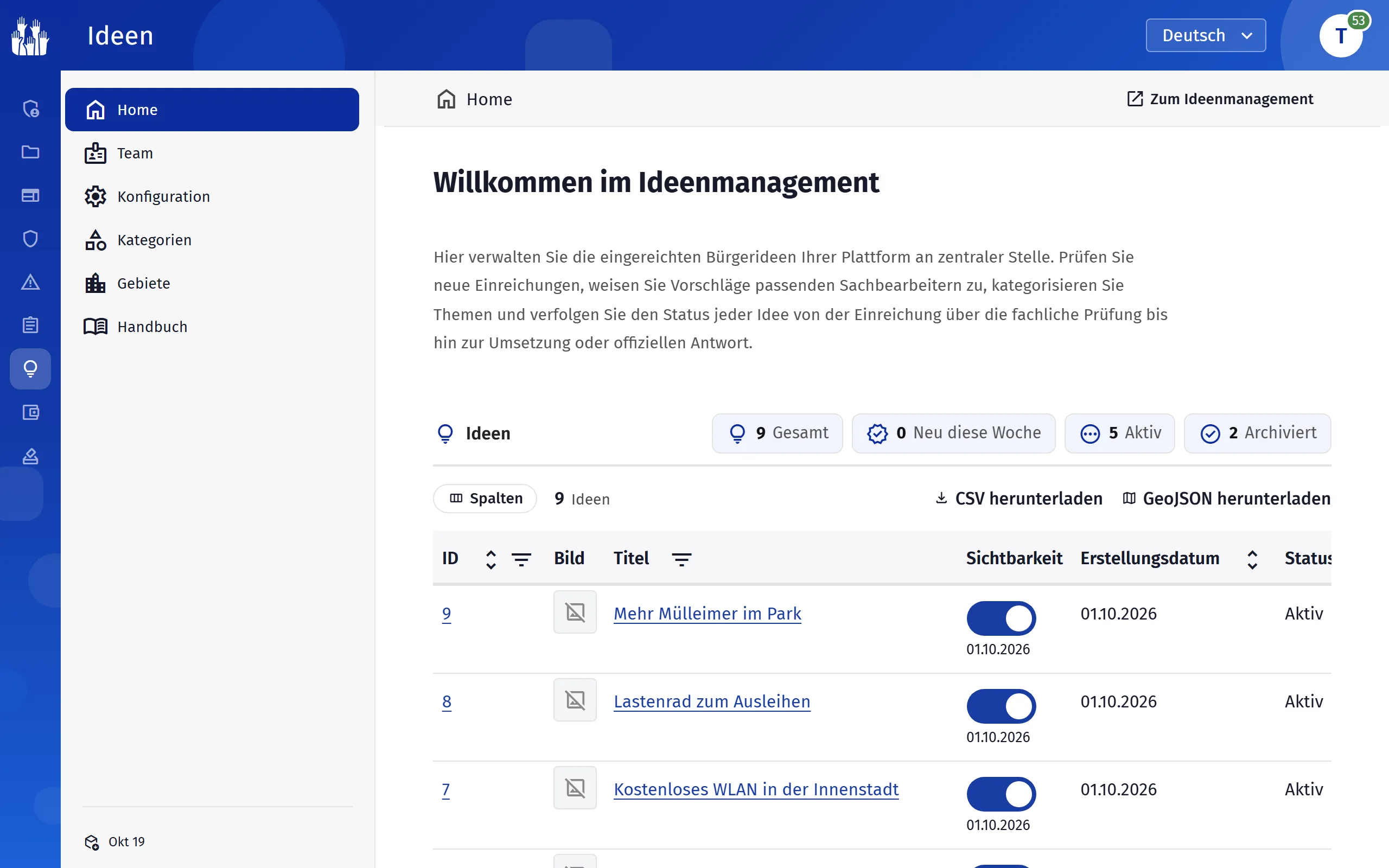
Open idea management
What you need
- The case officers are on the “Team” for idea management.
So geht’s
- Filter by “Home” in the “Officer” column to see who has which ideas. Ideas with no entry are not assigned to anyone yet.
- For the idea, open “Administer” in the actions.
- Under “Officer”, choose the responsible person and click “Save”. They get an email.
- So that new ideas land in the right place right away, enter a “Default officer” for each category under “Categories”.
Die Entscheidungen
- Automatic or manual?
- Automatic through the category: if someone picks a category when submitting an idea, it goes to the category’s “Default officer”. Assign ideas without a category by hand.
- Who sees the idea?
- Without “Required assignment to officer”, all case officers. With the switch turned on, only the assigned person, case officers with “Manage all”, idea administrators, and administrators.
- Nobody responsible?
- “– No officer –” undoes the assignment.
Stolpersteine
The “Default officer” under “Areas” is currently not applied when an idea is submitted. Ideas with a location in an area also get their case officer only through the category.
If you change an idea’s category later, the case officer stays the same. Then reassign the idea in the “Administer” tab.
If you remove someone from the “Team”, their ideas lose their case officer. Reassign them first.
If you hand an idea to another person with “Required assignment to officer”, you can no longer open it afterward, unless you have “Manage all”.