
Guides
Guide
Idea management
Idea management
You want to review a submitted idea and make it visible to everyone so it can gather support.
Review and publish a new idea
Your goal
You want to review a submitted idea and make it visible to everyone so it can gather support.
Open idea management
What you need
- You are listed as a case officer in idea management.
How it works
- On “Home”, find the new ideas. In the “Statuses” column they show “Pending”, and the “Visibility” switch is off.
- Click the title. In the “View” tab, check the text, image, documents and location.
- If needed, use “Edit” to correct the title, description, image or category, then click “Save”.
- In the “Administer” tab, set “Votes required” and “Timeframe (days)”. Each field has its own “Save” button.
- On “Home”, switch on the idea in the “Visibility” column. The date appears below it, and the status changes to “Active”.
- Check the idea with “View on the website”.
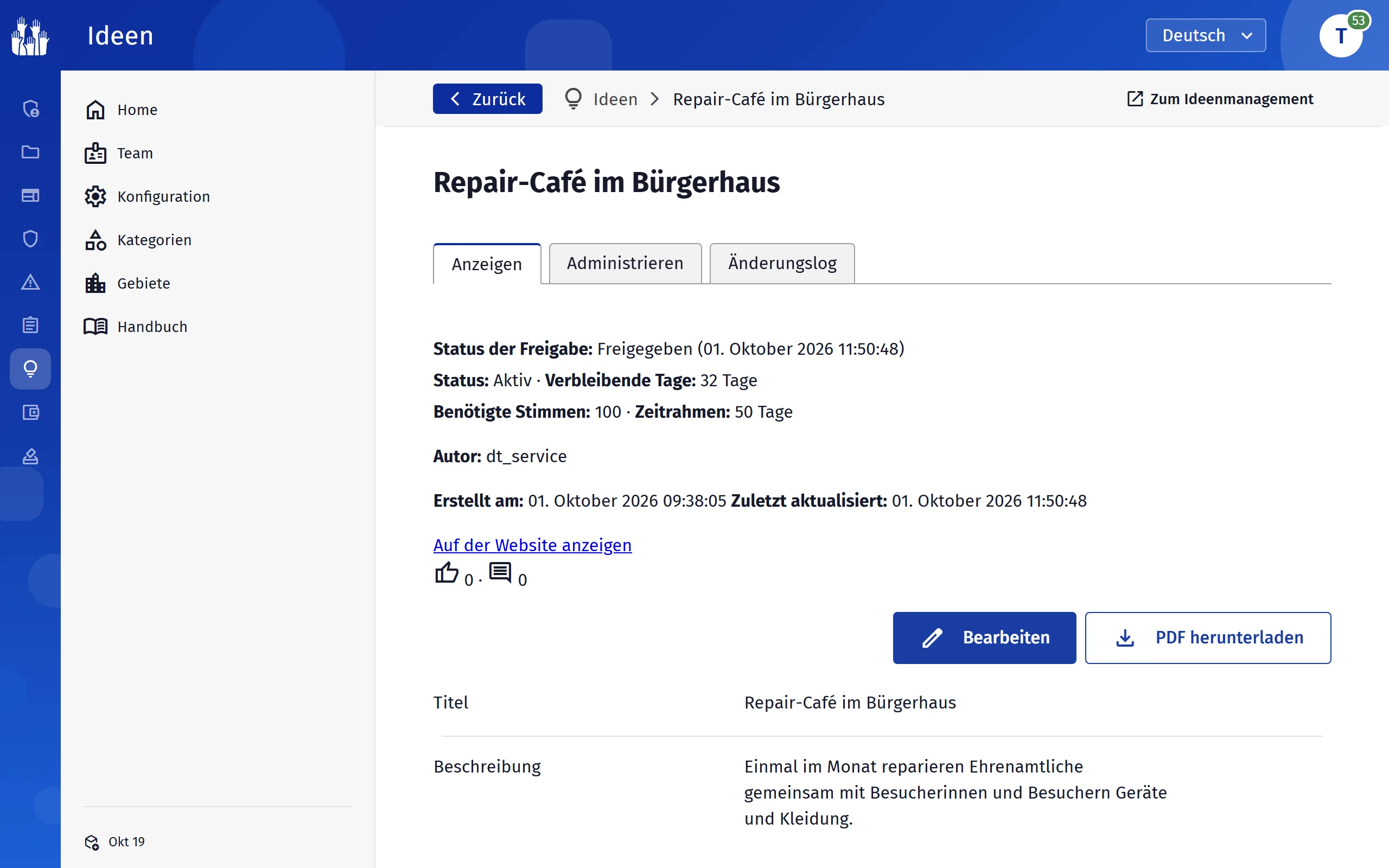
The decisions
- Publish, hold back or delete?
- As long as “Visibility” is off, only your team and the person who submitted the idea can see it. Use “Delete” under actions to remove it completely. Only administrators, idea administrators and case officers with “Manage all” can delete.
- How much support does the idea need?
- “Votes required”, preset to 100. The public page shows progress as a percentage. In the “Quorum” filter of the idea overview, the idea appears under “Reached” once it hits this number.
- How long does the idea run?
- “Timeframe (days)”, preset to 50 days from approval. After that, it is shown as “Archived”.
Common pitfalls
Set “Timeframe (days)” before approval. It counts from the day you switch on “Visibility”. If you switch visibility off and on again, it starts over.
Every new idea must be approved. The “Administrator approval” switch in the configuration does not change this.
The person who submitted the idea does not get an email when you approve it.
If “Required assignment to officer” is on, you only see ideas assigned to you. Ideas without a case officer are then reviewed by administrators, idea administrators or case officers with “Manage all”. Assign ideas