
Reference
Reference
Idea management
Idea management
Under “Team”, you decide who works as a case officer in idea management. The page is headed “Officer”.
Team
Under “Team”, you decide who works as a case officer in idea management. The page is headed “Officer”.
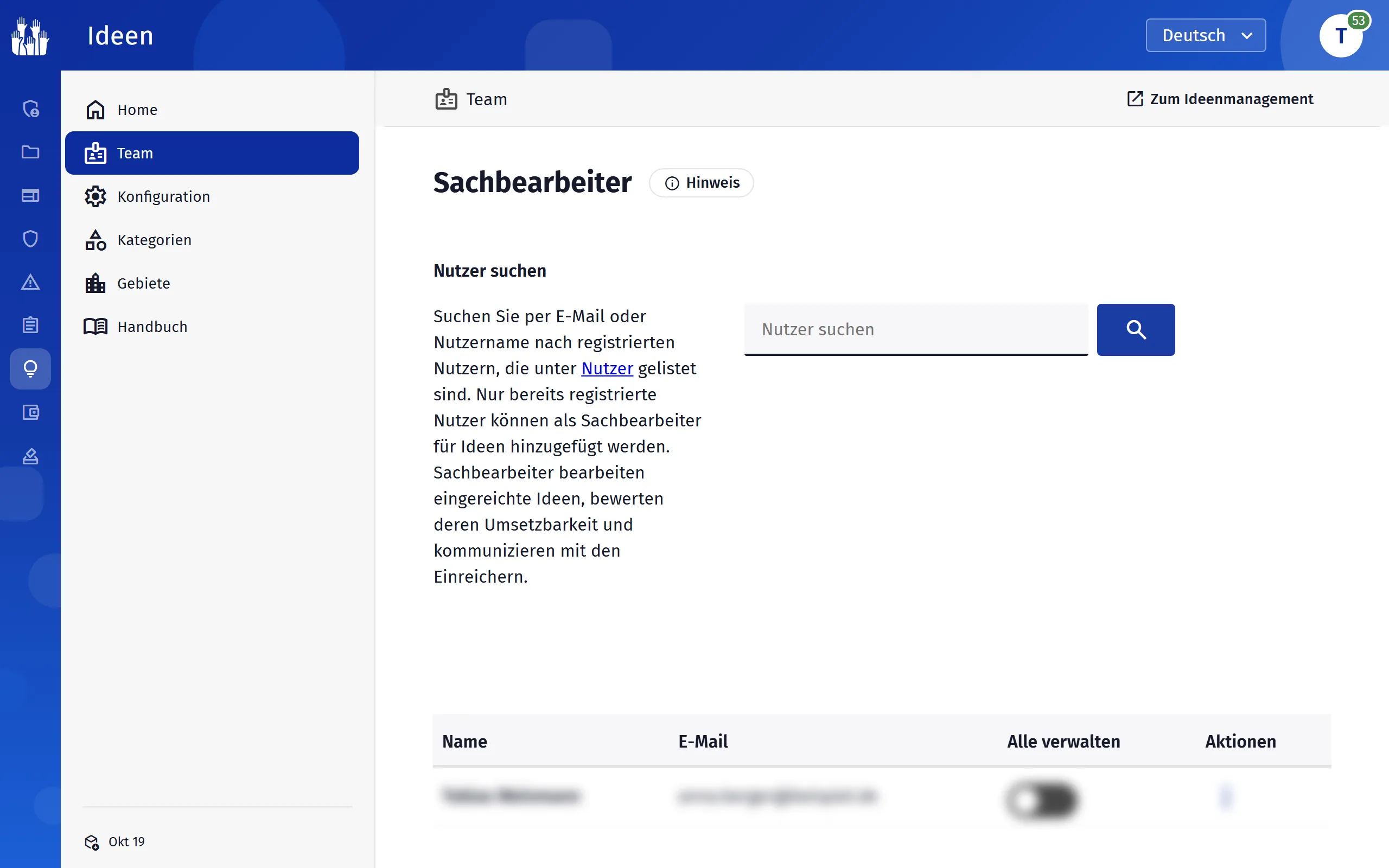
Only administrators, idea administrators and case officers with “Manage all” can see “Team”.
Add someone
- Under “Search users”, enter the person’s full email address and click the magnifying glass.
- The person appears below the search field. Click “Add”.
- They now appear in the table with “Name”, “Email” and “Manage all”.
Step by step: Set up idea management
The table
- “Manage all”
- The switch gives the case officer the same rights as an idea administrator: all menu items, all ideas, including deleting.
- “Delete”
- Removes the person from the team. Their ideas then have no case officer.
Good to know
Only people who already have an account on the platform can be found, and only by their full email address. Otherwise “User not found” appears.
The case officers then appear as choices for “Default officer” in categories and areas, and in the “Administer” tab of each idea.
The team is also listed at the bottom of “Home”.