
Reference
Reference
Idea management
Idea management
The areas come from the registered addresses on your platform. You can’t create or rename them here. You assign a default case officer to each area.
Areas
The areas come from the registered addresses on your platform. You can’t create or rename them here. You assign a default case officer to each area.
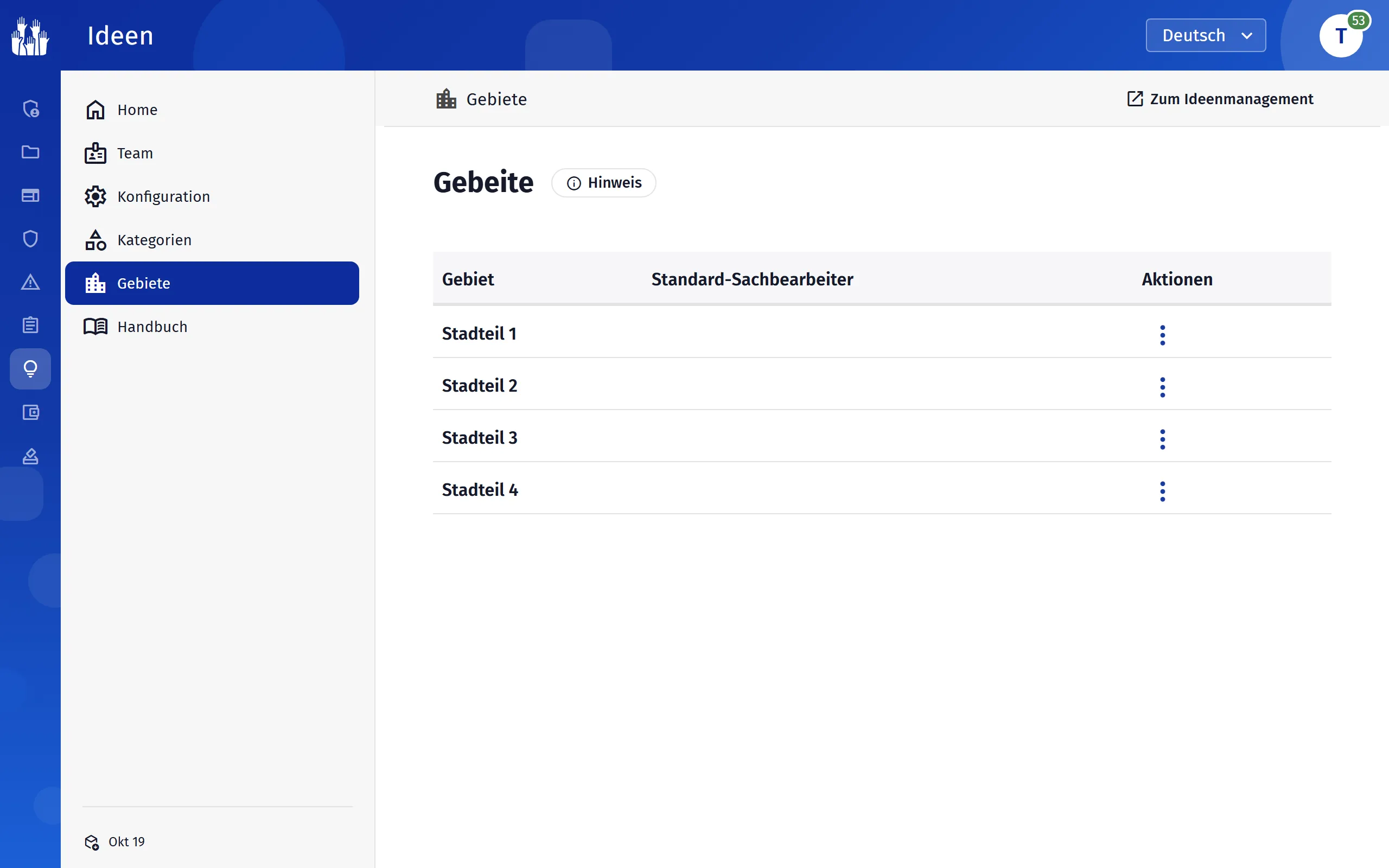
Only administrators, idea administrators and case officers with “Manage all” see “Areas”.
Assign a case officer to an area
- In the table, click “Edit” next to the area.
- Under “Default officer”, select a person from the team.
- Click “Save”.
What areas are for
- When someone places a point on the map while submitting an idea, the platform assigns the idea to the area whose boundary on the map contains that point.
- In the “Download CSV” export on “Home”, this area appears in the “Area” column.
The “Default officer” of an area is currently not applied when an idea is submitted. New ideas get their case officer only through the category. Assign ideas without a category by hand.
If the table is empty, no addresses with areas are stored on your platform.
Step by step: Assign ideas