
Guides
Guide
Moderation
Moderation
You want to review proposals, budget proposals and comments that users have flagged as inappropriate.
Review flagged contributions
Your goal
You want to review proposals, budget proposals and comments that users have flagged as inappropriate.
Open moderation
What you need
- You are a moderator or administrator.
How to do it
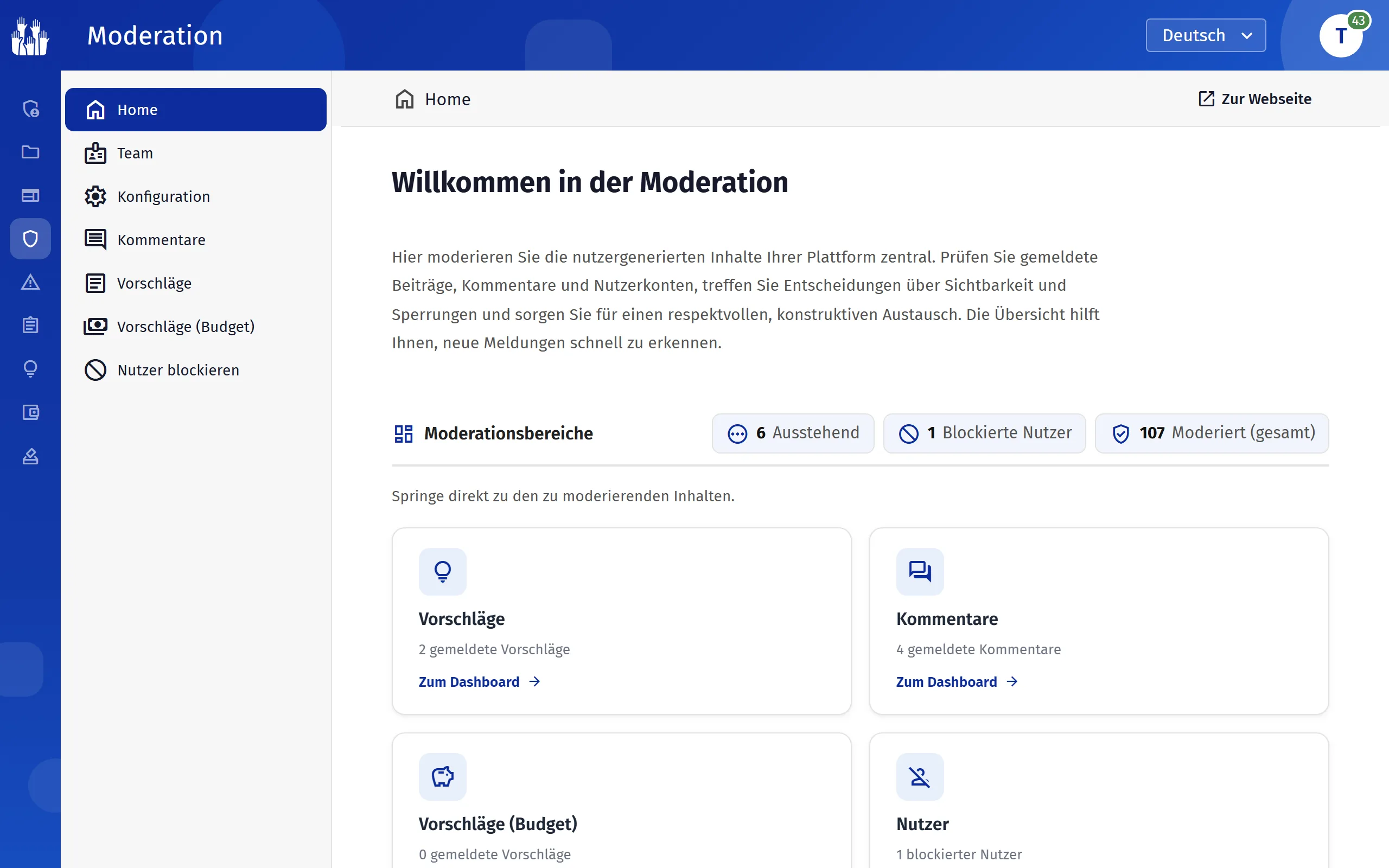
- Open moderation. On “Home”, each tile shows how many flags are open in its area.
- In the menu, select “Comments”, “Proposals” or “Proposals (budget)”. New flags are in the “Flagged” tab.
- If needed, sort by the “Reports” column. This puts the most frequently flagged contributions at the top.
- View the contribution on the website with “View proposal” or “View comment”.
- In the “Actions” column, select “Mark as viewed” or “Hide”.
Your options
- Does the contribution follow the rules?
- Then select “Mark as viewed”. The flag moves to the “Ignored flags” tab. The contribution stays visible.
- Does the contribution break the rules?
- Then select “Hide” and confirm the prompt. The contribution is no longer visible to citizens, but it stays in the system and appears in the “Hidden” tab. The author gets an email about this if an email address is on file.
- Is the person the problem, not the single contribution?
- Then block the user account.
Common pitfalls
You cannot bring back a hidden proposal in moderation. You can only do that in the project, in the “Proposals” tab of the phase, with “Restore”.
You restore comments and budget proposals in the “Hidden” tab with “Restore”.
You can still hide a flag that you marked as viewed. In the “Ignored flags” tab, “Hide” is still available for this.