
Guides
Guide
Moderation
Moderation
You want to make a comment or budget proposal visible again that was hidden by mistake.
Restore a hidden post
Your goal
You want to make a comment or budget proposal visible again that was hidden by mistake.
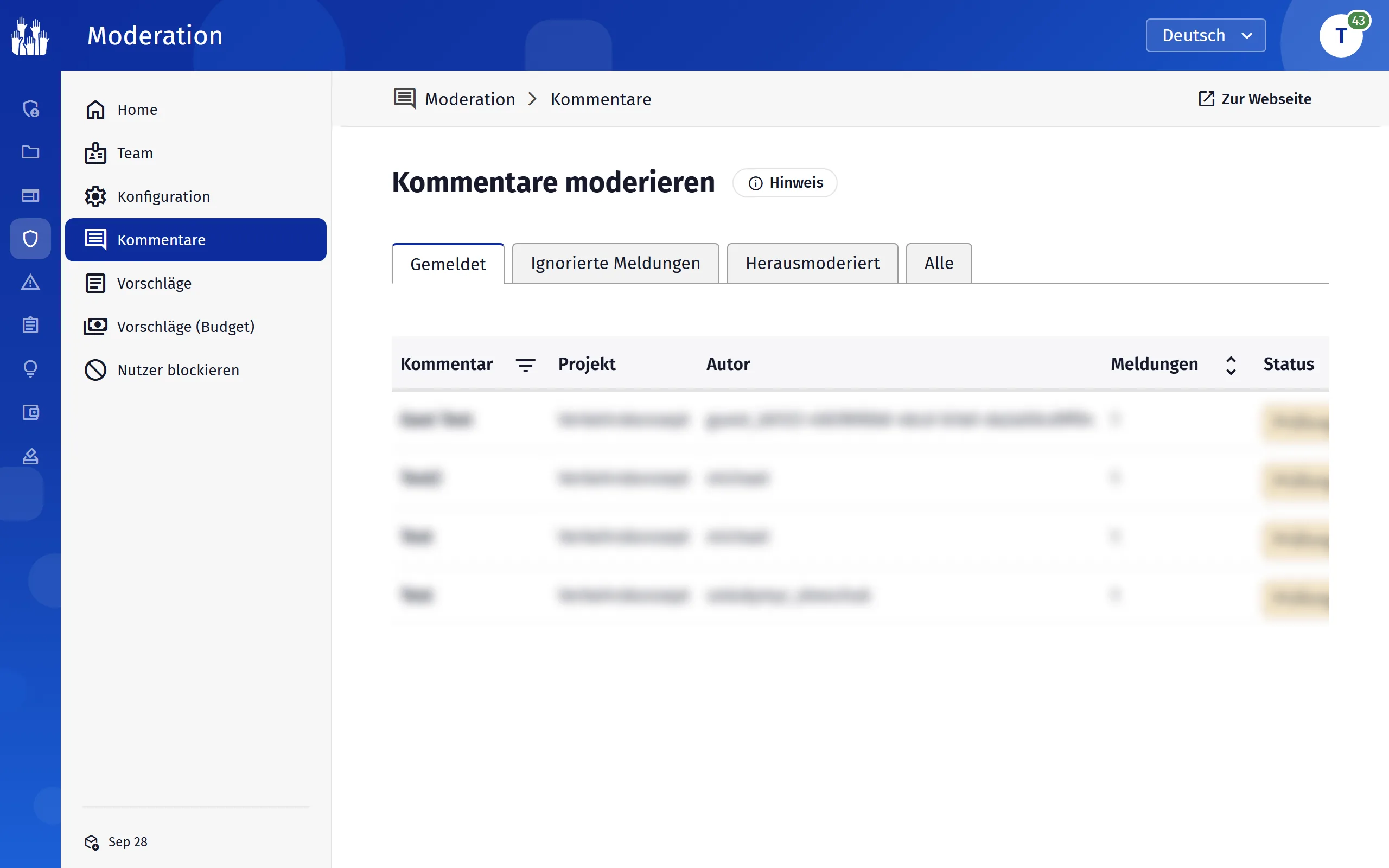
Open “Comments”
What you need
- You are a moderator or administrator.
How it works
- In moderation, open “Comments” or “Proposals (budget)”.
- Switch to the “Hidden” tab.
- Find the post. The “Project” and “Author” columns help you recognize it.
- In the “Actions” column, click “Restore”. The post is publicly visible again.
Pitfalls
You can’t restore proposals in moderation. The “Proposals” menu item has no “Restore” option. You can only do this in the project, in the “Proposals” tab of the phase, with the “Moderate content” permission.
Posts by a person you have blocked also appear under “Hidden”. The person stays blocked, even if you restore individual posts.