
Guides
Guide
Budget assessment
Budget assessment
You want to record whether a proposal from the participatory budget meets the criteria, and explain your reasoning.
Assess a proposal
Your goal
You want to record whether a proposal from the participatory budget meets the criteria, and explain your reasoning.
Open budget assessment
What you need
- You are a budget assessor.
- The proposal is assigned to you for assessment.
How to do it
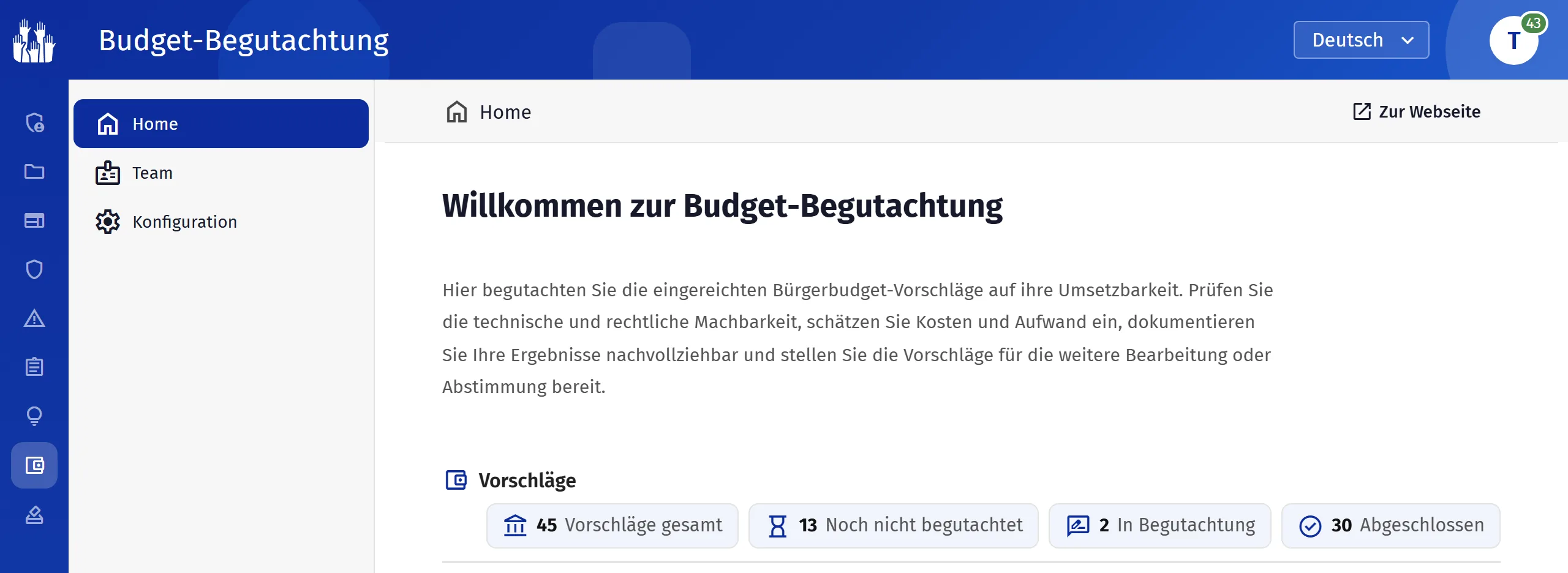
- On “Home” (start page), click “Edit” next to the proposal.
- Under “More info”, check the author, budget and “Current phase”. Use “Frontend” (public site) to open the proposal on the website.
- Under “Criteria review”, choose “Feasible”, “Unfeasible” or “Not evaluated”.
- Write your explanation in the text field below.
- Click “Save”. “Dossier updated” appears.
Leave “Valuation finished” unchecked while you are still reviewing. To find out how to lock in the result, see Complete an assessment.
The decision
- Save a result now, or leave “Not evaluated”?
- As long as “Not evaluated” is selected, the author can still change their proposal in the submission phase. Once you save “Feasible” or “Unfeasible”, they can no longer do that.
Common pitfalls
You can only change the form while the budget is in the submission phase or the internal review phase. In all other phases, the fields are locked.
The form has no field for costs. Administrators and project managers set the price on the proposal, in the project.
If a proposal is missing on “Home”, it is not assigned to you personally, or it is not made visible to assessors. An assignment through an assessor group alone is not enough.