
Guides
Guide
Budget assessment
Budget assessment
You want to lock in your result so it appears on the proposal and the author is notified.
Complete an assessment
Your goal
You want to lock in your result so it appears on the proposal and the author is notified.
Open budget assessment
What you need
- You are a budget assessor.
- The proposal is assigned to you for assessment.
- The budget is in the submission phase or the internal review phase.
How it works
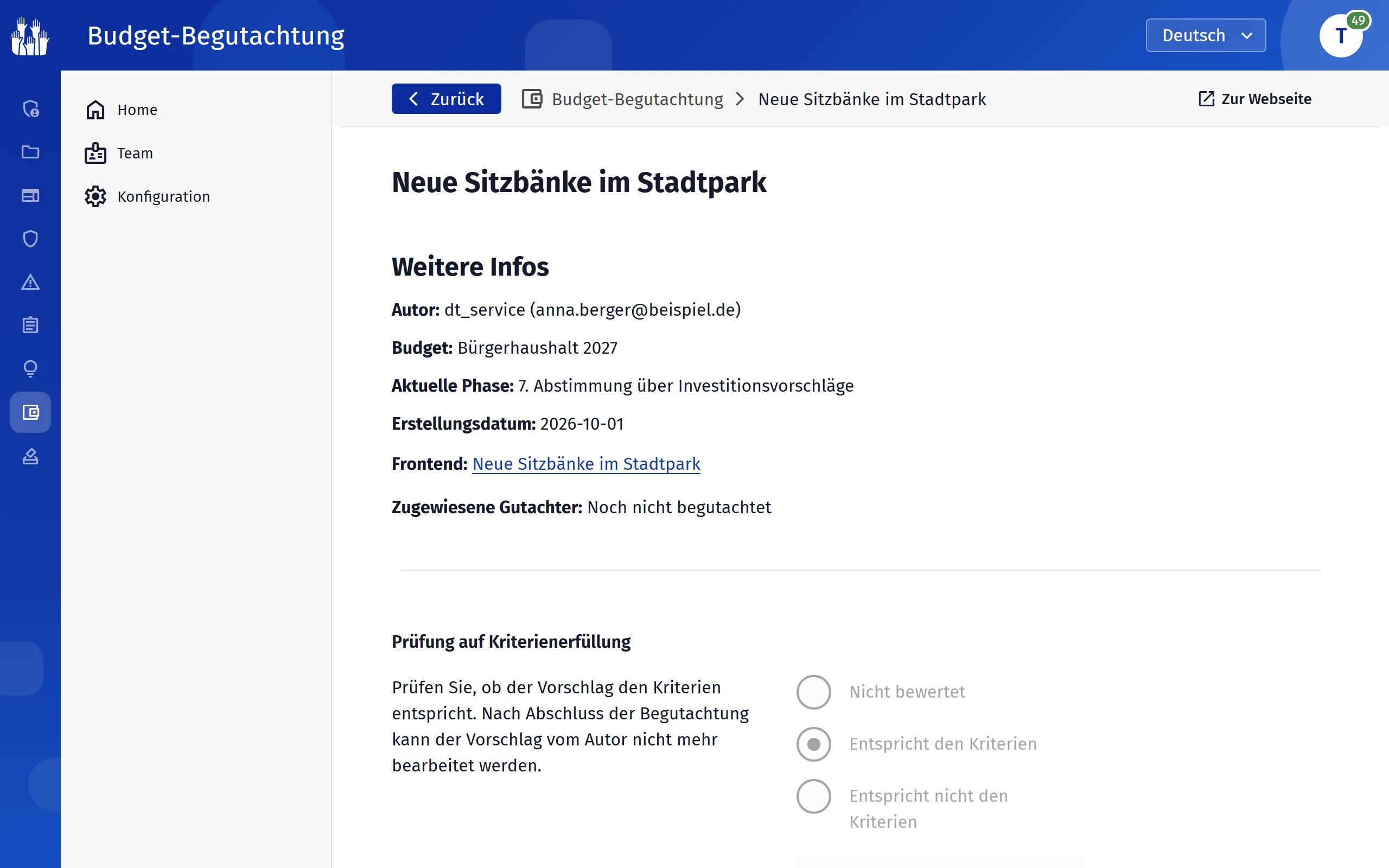
- On “Home” (home), click “Edit” next to the proposal.
- Under “Criteria review”, check that the right result is selected.
- Check your explanation. For “Unfeasible”, it is required.
- Select the checkbox “Valuation finished”.
- Click “Save”. “Dossier updated” appears.
What happens next
- On the website
- A colored box with the result and your explanation appears on the proposal. It is green for “Feasible” and red for “Unfeasible”.
- For the author
- They receive an email with the result.
- For “Unfeasible”
- The proposal can no longer be commented on.
- On “Home”
- The proposal counts under “Completed”.
Common pitfalls
The email to the author is sent only once. If you change your result later, no second email follows.
If you complete the assessment with “Not evaluated”, the author gets no email, and no result appears on the website.
As long as the budget is in the submission phase or the internal review phase, the form stays open. You can clear the checkbox again or change the result.